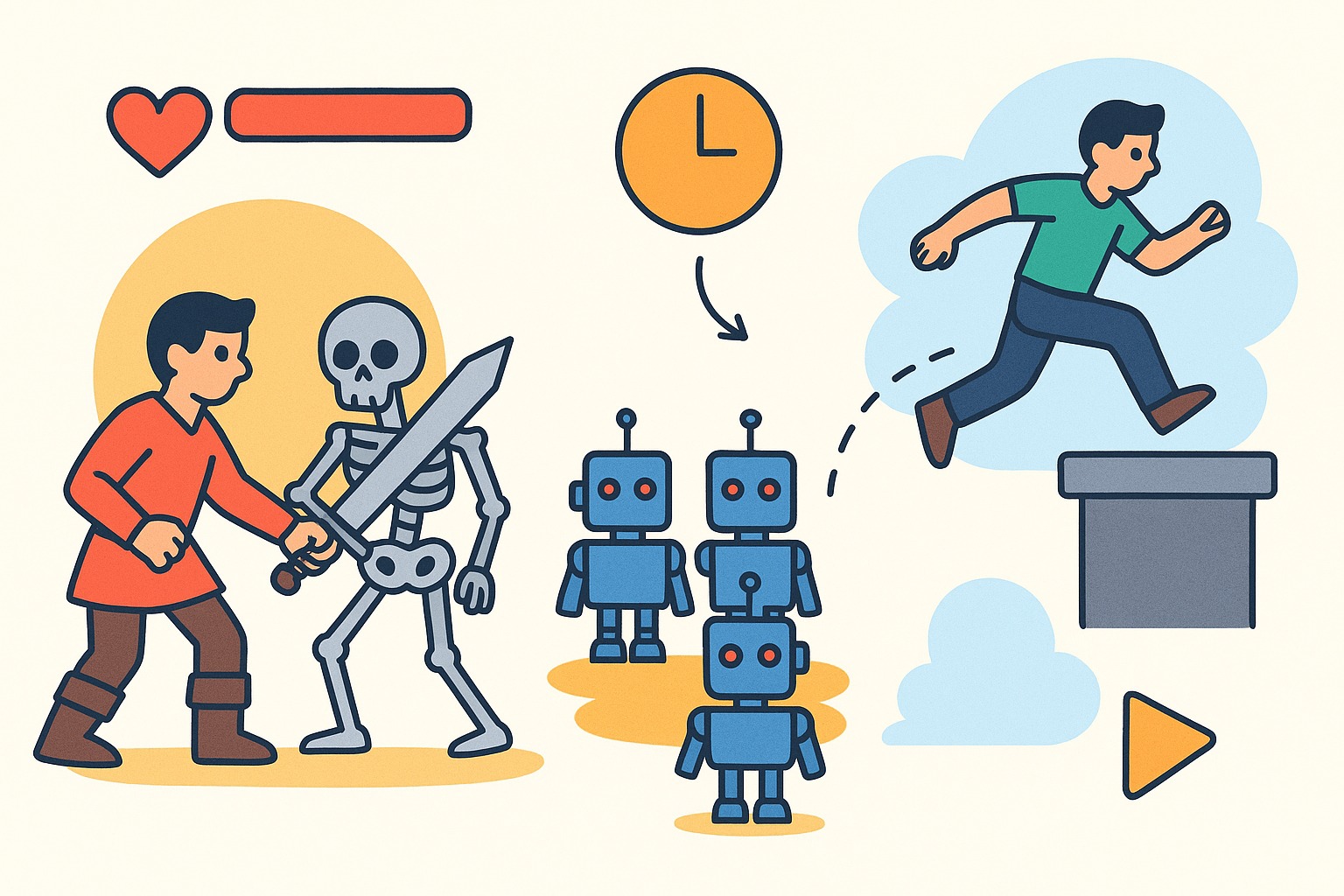
How to Balance Game Difficulty Without Writing Code
We’ve all played that one game. You know the one. You’re cruising along, enjoying the story, and suddenly you hit a wall. A boss that seems mathematically impossible to beat. Or maybe it’s the opposite, you are sleepwalking through levels, waiting for a challenge that never comes.
Both scenarios are game killers. The first makes players rage quit; the second bores them to tears.
Game design is often described as finding the “Goldilocks zone” that sweet spot where the challenge feels just right. It’s difficult enough to be rewarding, but fair enough to keep you playing. Traditionally, finding this balance meant diving into the code. You had to manually tweak variables in a spreadsheet or script, adjusting enemy hit points (HP) by 5%, testing it, realizing it was still off, and going back to the code again. It was a tedious cycle of math and guesswork.
But the landscape is shifting. New game creation tools like Astrocade are emerging that allow you to bypass the spreadsheets entirely. With the rise of AI game creation, you can now balance your game using plain English. Instead of calculating damage formulas, you can simply describe the experience you want the player to have.
Here is how you can use these tools to fine-tune your game’s difficulty without writing a single line of code.
1. Tweaking Combat Intensity
Combat is the heartbeat of many games, and it’s the easiest place to lose your players. If enemies are too spongy (taking forever to kill), combat feels like a chore. If they deal too much damage too quickly, it feels unfair.
In the past, fixing this required you to hunt down the specific script controlling an enemy’s stats. You would need to understand how the damage variable interacted with the player’s defense variable.
Now, an AI game developer can approach this differently. You can look at a combat encounter and realize, “This feels wrong.” Instead of hunting for variables, you can give a direct instruction to the system. You might type, “Make the skeleton warriors attack 20% slower,” or “Reduce the boss’s health so the fight lasts about three minutes.”
Take a game like Blood and Steel, for example. It’s a hack-and-slash title where the player fights waves of enemies. In a game like this, the “feel” of the sword swings and the enemy reactions are everything. If the enemies crowd the player instantly, the game becomes frustrating chaos.
Using natural language prompts, a creator can refine this by saying, “Make enemies hesitate for a second before striking,” or “Lower enemy damage output but increase their numbers.” This allows you to focus on the rhythm of the fight rather than the math behind it. You preserve the challenge but remove the frustration, ensuring the player feels powerful yet threatened.
2. Managing Pacing and Enemy Spawns
A great game isn’t just about the fight right in front of you; it’s about the flow of the entire level. Constant action is exhausting. Players need peaks and valleys, moments of intense pressure followed by moments of relief where they can collect resources or just breathe.
This is often controlled by “spawn rates”, how frequently enemies appear and in what numbers. Coding this manually involves timers, loops, and random number generators. It’s easy to accidentally create a loop where enemies spawn infinitely, crashing the game or overwhelming the player.
AI game creation with no code simplifies this process significantly. You can describe the pacing you want to see. You might say, “Spawn a small wave of enemies every 30 seconds,” or “Stop spawning enemies when the player’s health is below 25%.”
Consider Robot Rebellion. In this shooter, the screen can quickly fill up with metal adversaries. If too many robots spawn at once, the player has no room to maneuver. If too few spawn, the rebellion feels more like a minor disagreement.
By adjusting the spawn logic with prompts like “Increase enemy spawn rate as the timer goes down,” you create a natural ramp-up in difficulty. You turn a static level into a dynamic experience that reacts to the game state. You aren’t programming a timer; you’re directing the scene.
3. Adjusting Physics and Movement
Difficulty isn’t always about enemies. Sometimes, the hardest part of a game is simply moving around. We’ve all played platformers where the jump feels “floaty,” or racing games where the cars feel like they’re driving on ice.
Physics adjustments are notoriously difficult to code. They involve mass, friction, gravity, and velocity vectors. One wrong number and your character launches into orbit.
However, AI tools allow you to adjust these physics based on how they feel. You don’t need to know the coefficient of friction for a tire; you just need to know that the car is sliding too much. You can prompt the system with, “Increase the grip on the tires so the car turns sharper,” or “Make the jump gravity heavier so the player falls faster.”
Look at Astro Karts. It’s a racing game where the fun relies entirely on the driving mechanics. If the karts are too slow, there is no sense of speed or thrill. If they are too fast, the player crashes into every wall.
Instead of tweaking the velocity max variable, a creator can simply say, “Make the karts accelerate faster but have a lower top speed.” This kind of iteration allows you to test a change, drive a lap, and immediately refine it. “Still too slippery? Okay, increase traction slightly.” You are tuning the engine by ear, not by calculator.
Balancing is an Art
At the end of the day, game balance is an art, not a math problem. It’s about empathy, understanding what your player is feeling at any given moment.
The barrier to entry for making games has always been the technical skill required to execute that vision. But with the ability to control difficulty through natural language, that barrier is crumbling. You no longer need to be a coder to be a game designer.
So, don’t be afraid to jump in. Playtest your levels. If something feels off, change it. Describe the fun you want to have, and let the tools handle the numbers.